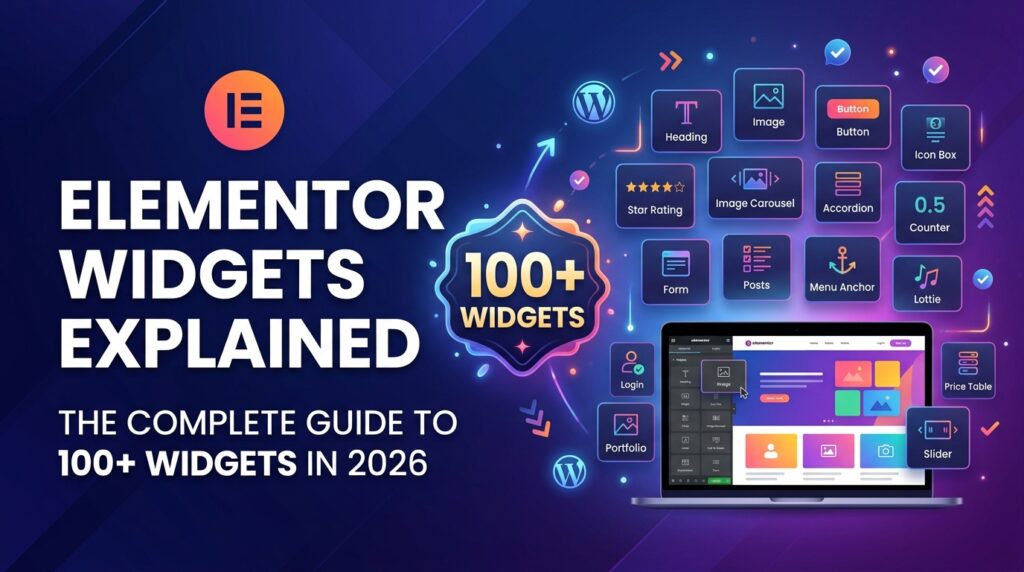
Elementor Widgets Explained: The Complete Guide to 100+ Widgets in 2026
If you are building a WordPress website with Elementor, then you must understand Elementor Widgets. Without widgets, Elementor is just an empty page builder. This guide is from WebLearnCraft – Website Guides for Beginners: WordPress, SEO & More and part of our WordPress Guides to Build, Rank & Grow Your Website series.
What is an Elementor Widget?
An Elementor Widget is a small drag-and-drop element. Think of it like a Lego block. Elementor gives you 100+ ready-made blocks on the left side panel. You just drag any block and drop it on your page. In 2026, Elementor has introduced AI widgets and Flexbox containers, which makes building websites 3x faster.
Two Types of Elementor Widgets in 2026
1. Basic Widgets (Free): About 40+ widgets including Heading, Image, Text Editor, Video, Button, Google Maps etc. Enough for 80% beginners.
2. Pro Widgets (Elementor Pro): 60+ advanced widgets like Form, Loop Grid, Pricing Table, Testimonial Carousel, and Loop Builder. Must-have for e-commerce in 2026.
Top 10 Most Important Elementor Widgets You MUST Use
- Container Widget (New in 2026): Replaces old Section. Super fast.
- Heading Widget: For H1, H2, H3 – Very important for SEO.
- Image Widget: With AI image optimization in 2026.
- Button Widget: For Call to Action.
- Form Widget (Pro): Create contact forms without extra plugin.
- Loop Grid (Pro): Show blog posts & products automatically.
- Nav Menu Widget: For header menu.
- Pricing Table Widget: Perfect for agencies.
- Tabs and Accordion Widget: Best for FAQ and Google FAQ Schema.
- AI Widget (New): Write content and generate images with AI.
To learn how to rank higher with these widgets, read our detailed guides in our Latest Articles & Guides.
How to Use a Widget in Elementor?
1. Edit page with Elementor
2. Search widget name on left panel
3. Drag & Drop on page
4. Go to Style tab to change color and spacing
5. Click Update
Final Verdict
Widgets are the heart of Elementor. Master these 10 widgets and you can build any website in 2026 without coding. If you need help, feel free to contact us via our Contact Us page. To learn more about how we test our guides, visit our About Us page.
For more WordPress tutorials, keep following WebLearnCraft.